Configure the
email account on Linux servers
Webmail, IMAP/POP, SSL, TLS settings
From the end of 2022, email services will only be available on Linux servers or Microsoft365.
On this page, you will find detailed information about the various configurations related to our email services on Linux.
In addition to configuring a client such as Outlook, Thunderbird, or your smartphone, you can read your email online via webmail.
For domains hosted on Linux servers, the webmail access URL contains your domain name: webmail.domain.ch
In case of loss of data or password, these can be requested at support@hosting.softcodex.ch
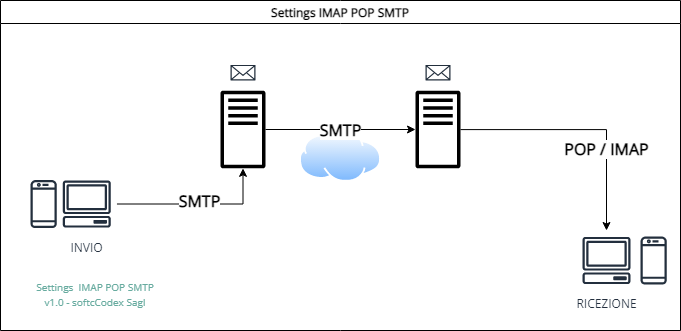
General Linux server settings
IMAP/POP, SSL, TLS
| SETTINGS | YOUR ACCOUNT |
|---|---|
| Username | Full email address |
| Password | Your password |
| Webmail | webmail.domain.ch |
| Hostname / SMTP | mail.domain.ch |
| LINUX server | IMAP | POP | SMTP |
|---|---|---|---|
| Authentication | Normal password | Normal password | Normal password |
| SSL | Port 993 | Port 995 | Port 465 |
| STARTTLS | Port 143 | Port 110 | Port 587 |
| No Encryption | Port 143 | Port 110 | Port 25 |